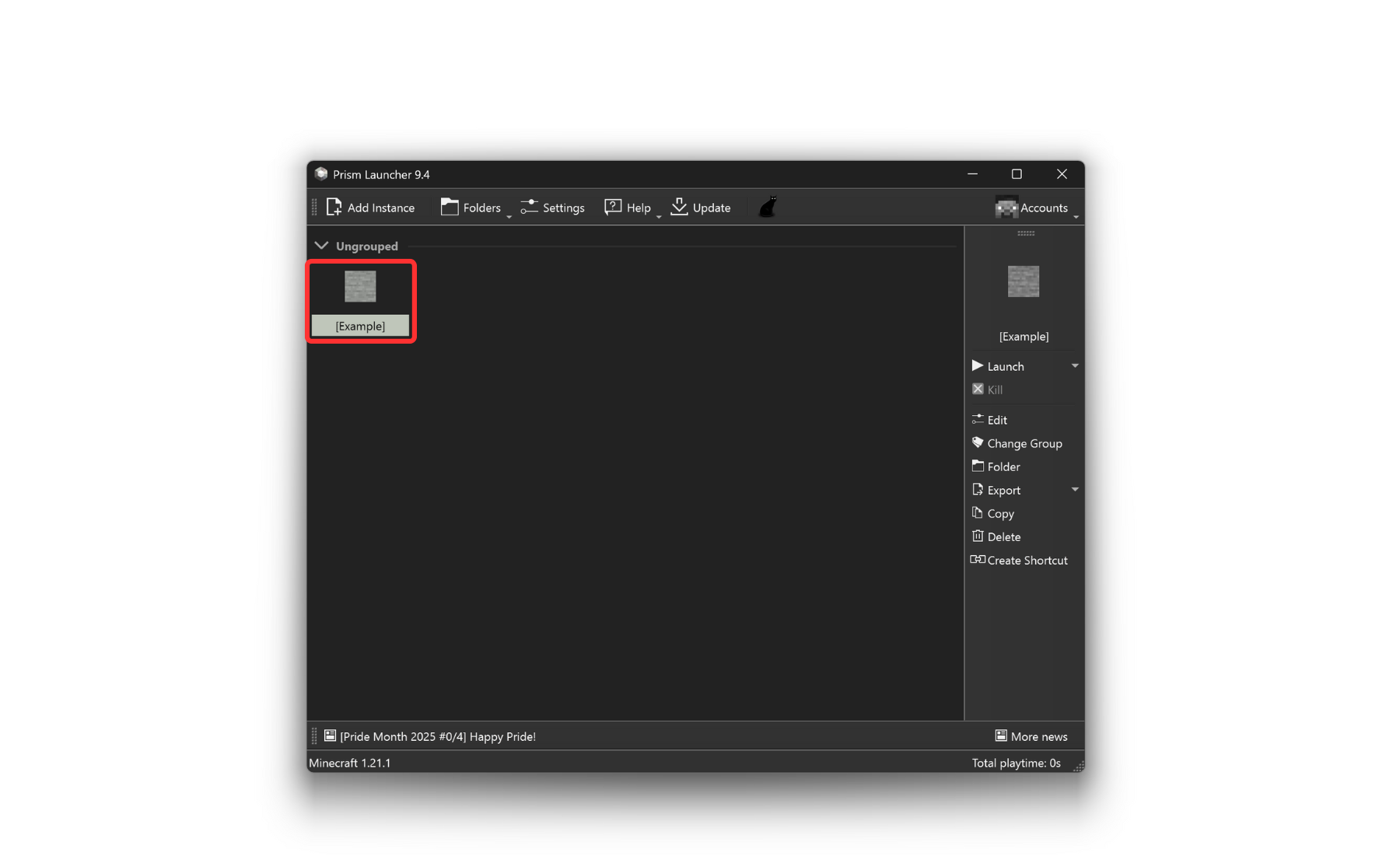
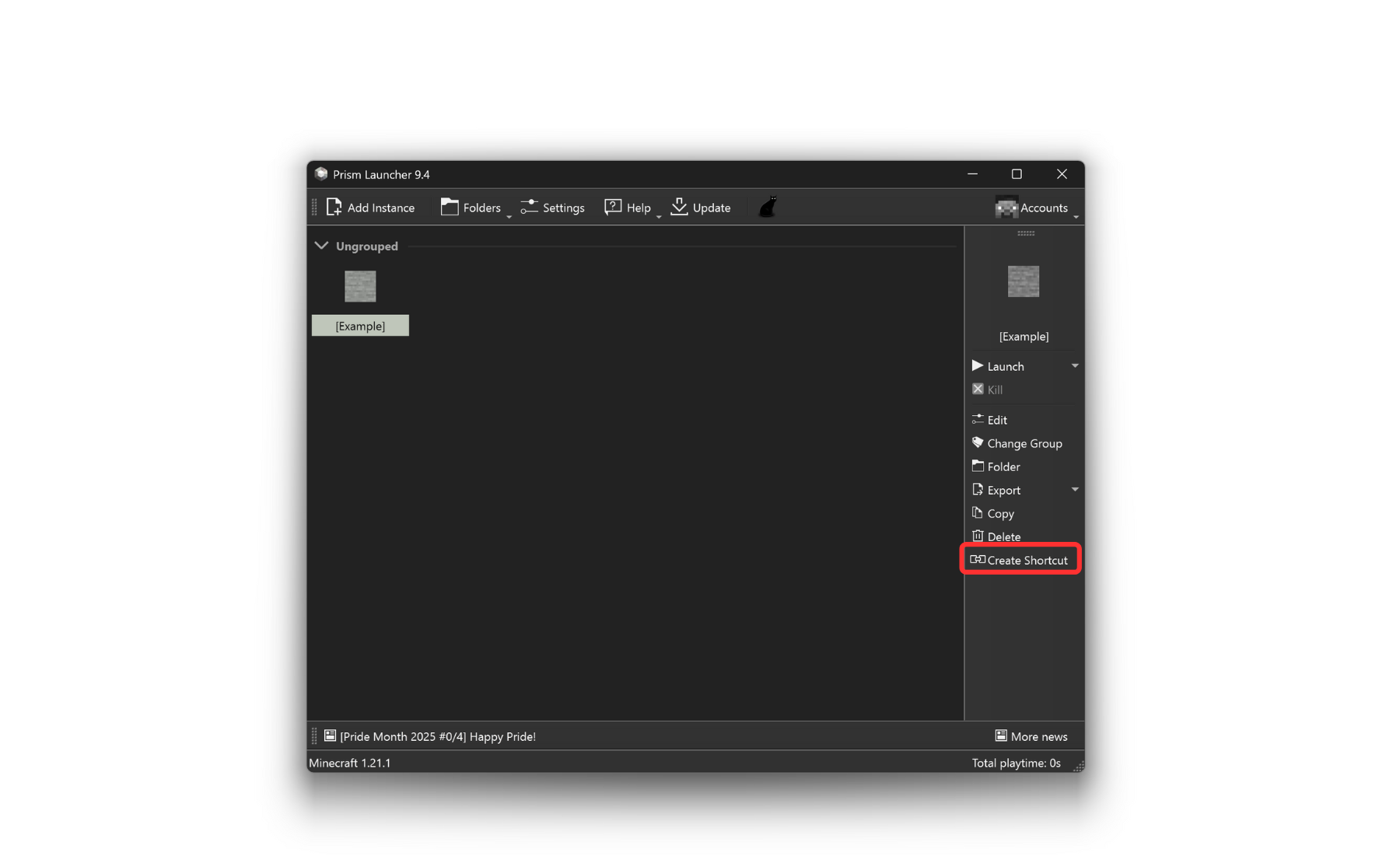
Download the launcher.
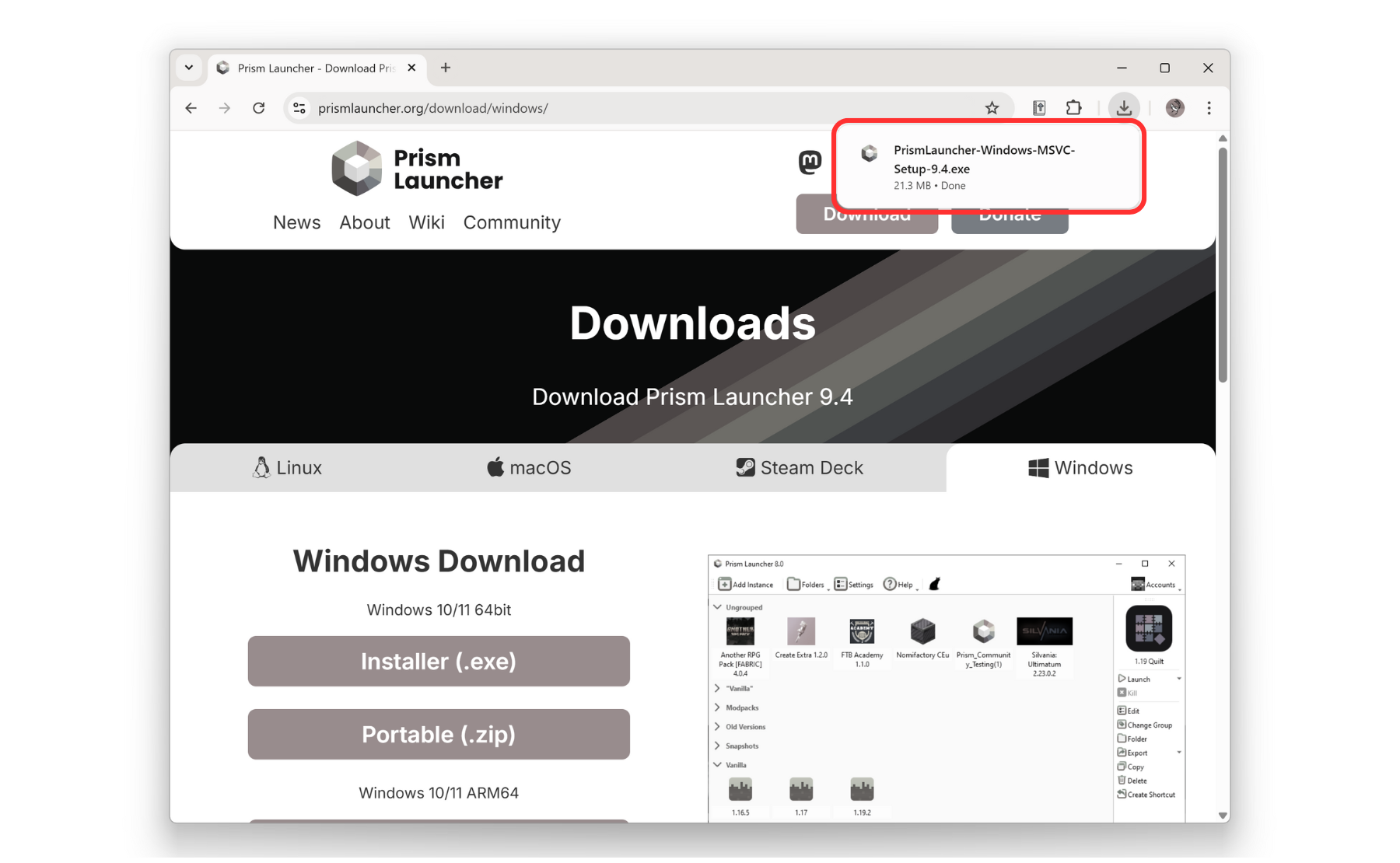
Run and install the launcher.
You can do this by double-clicking the .exe file.
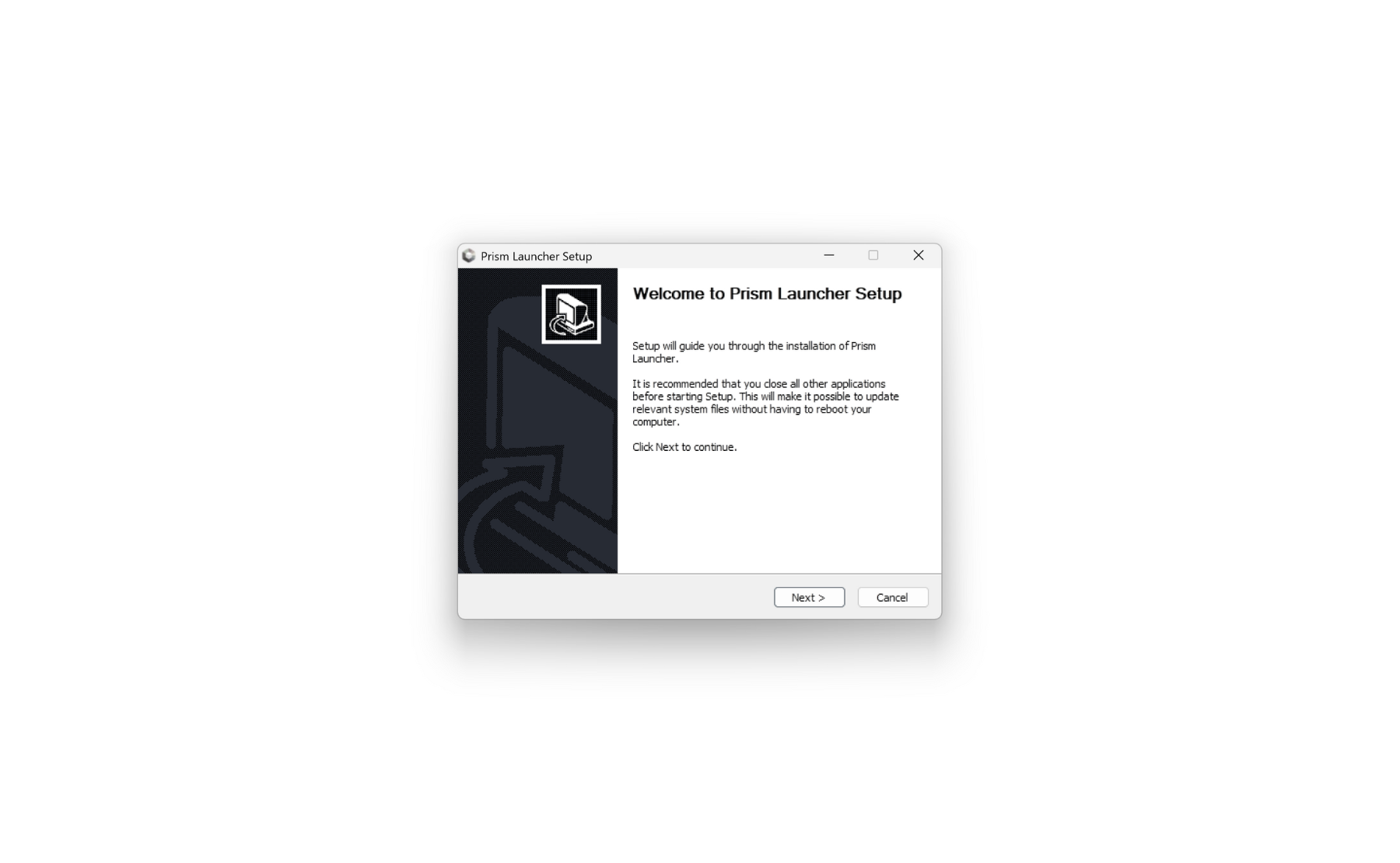
Follow the instructions of the installer. When done click "Finish".
The app should open.
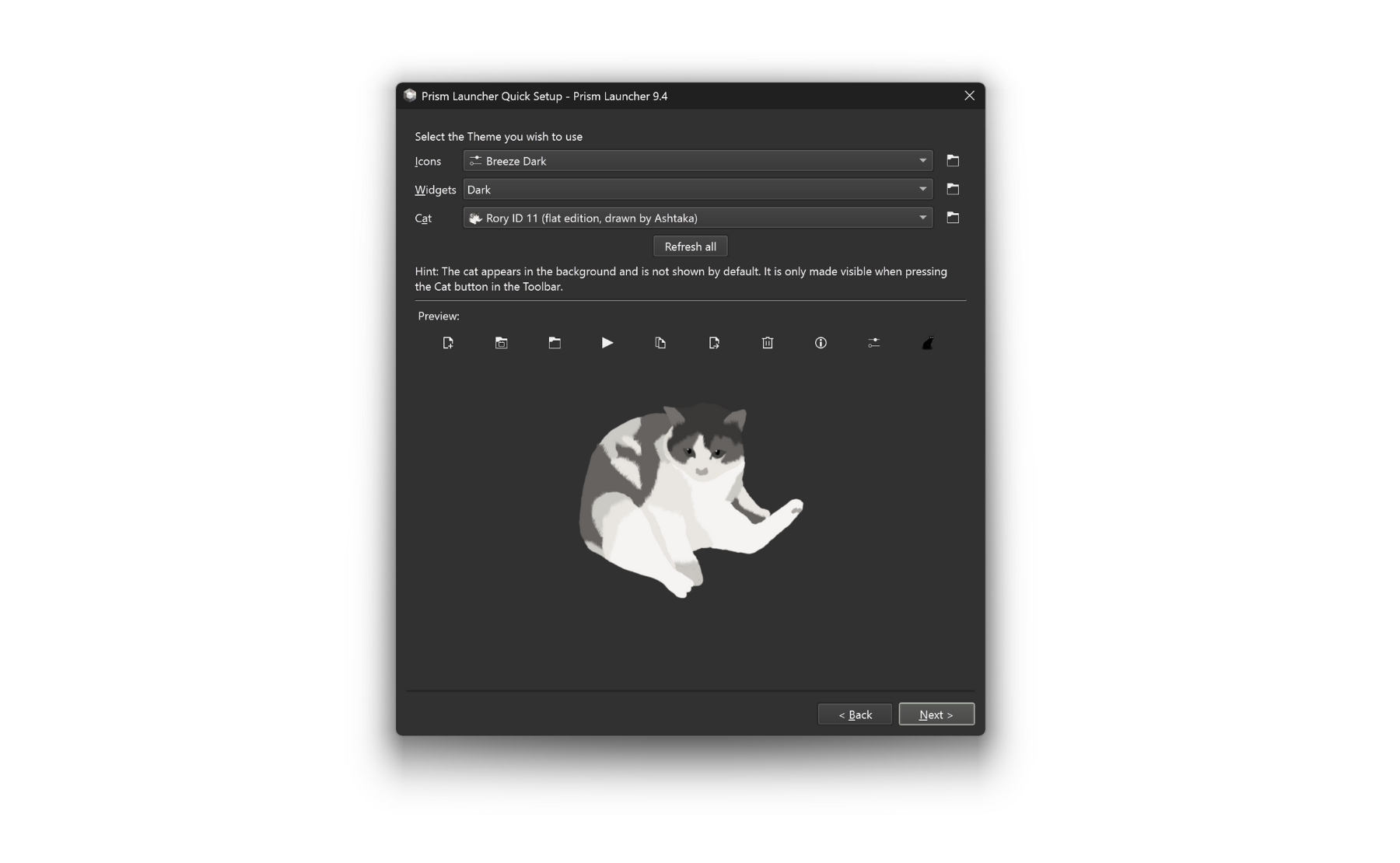
After picking a language, you'll be able to customize the app appearance.
(You can also upload themes.)
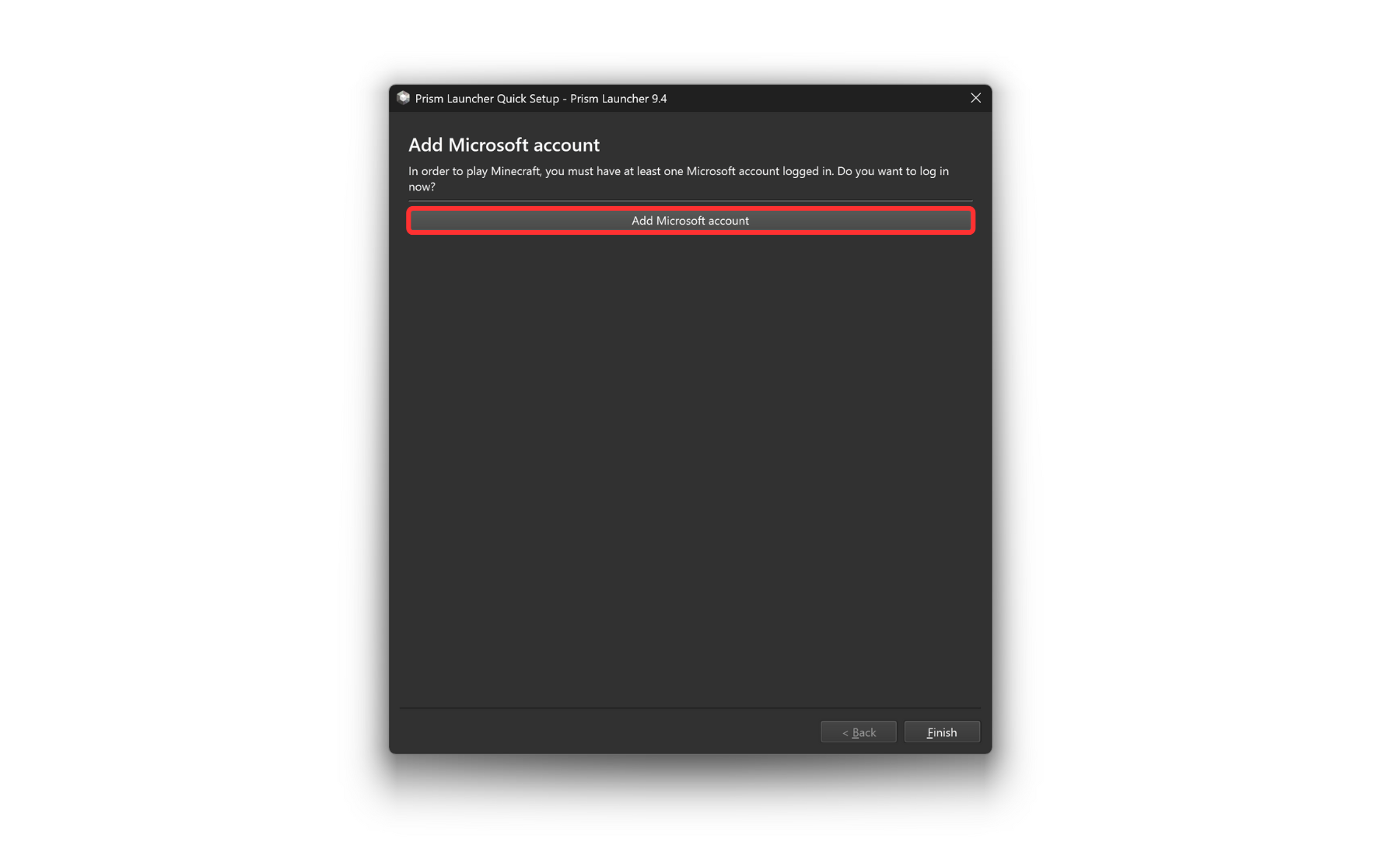
You may have to sign in with your Minecraft account.
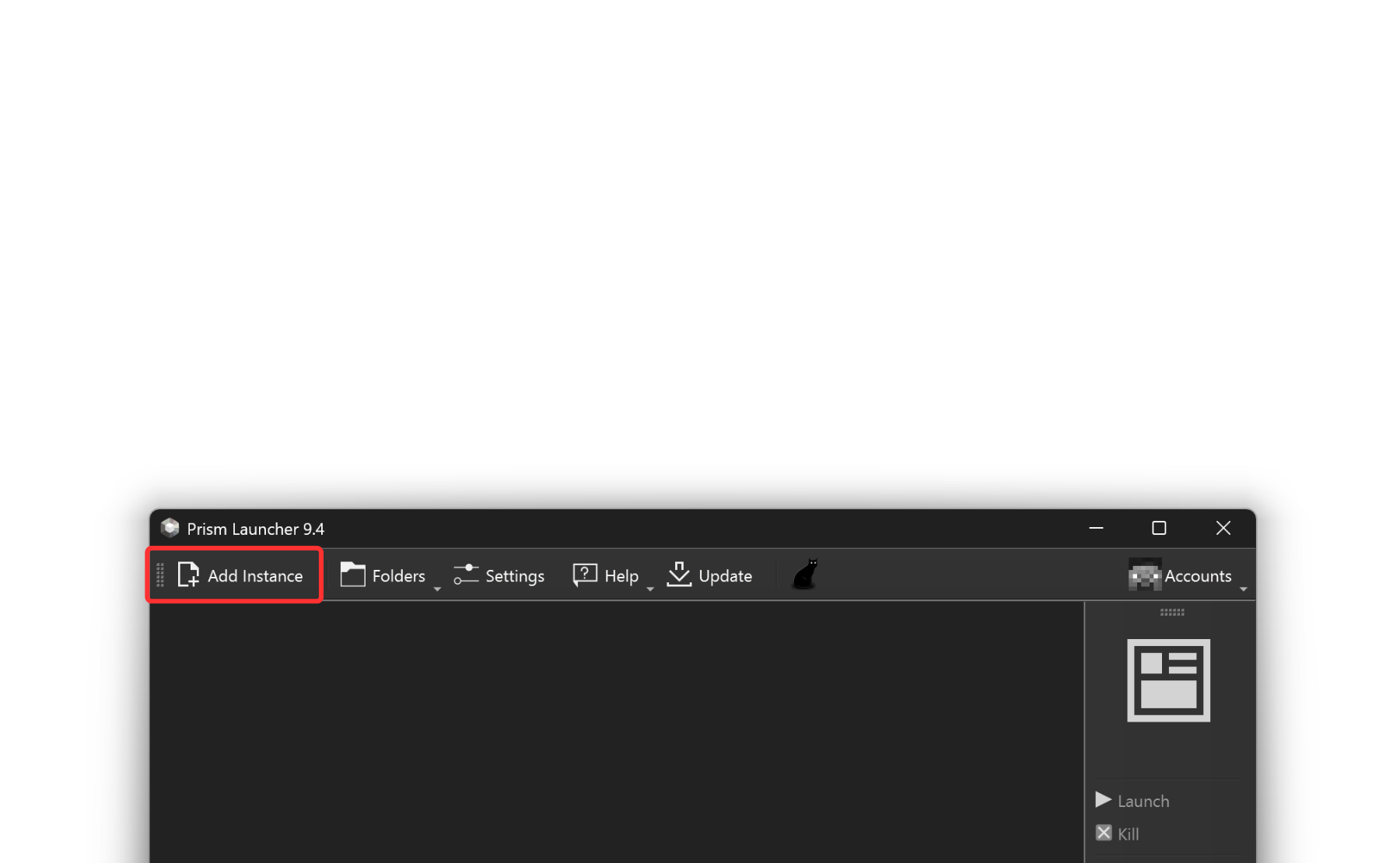
Once finished, you'll be sent to the home screen.