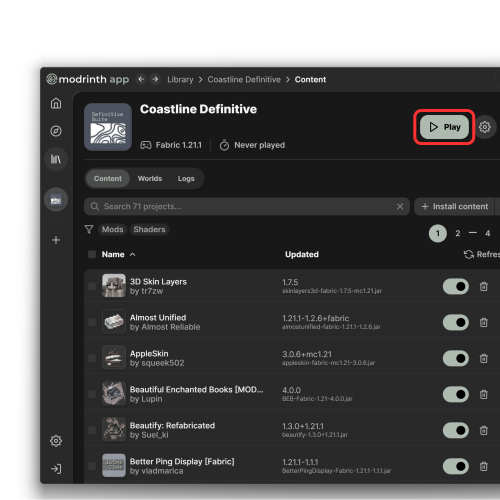
Modrinth

Click the button to get started.
Continue

Install Modrinth.

1

Download the launcher.
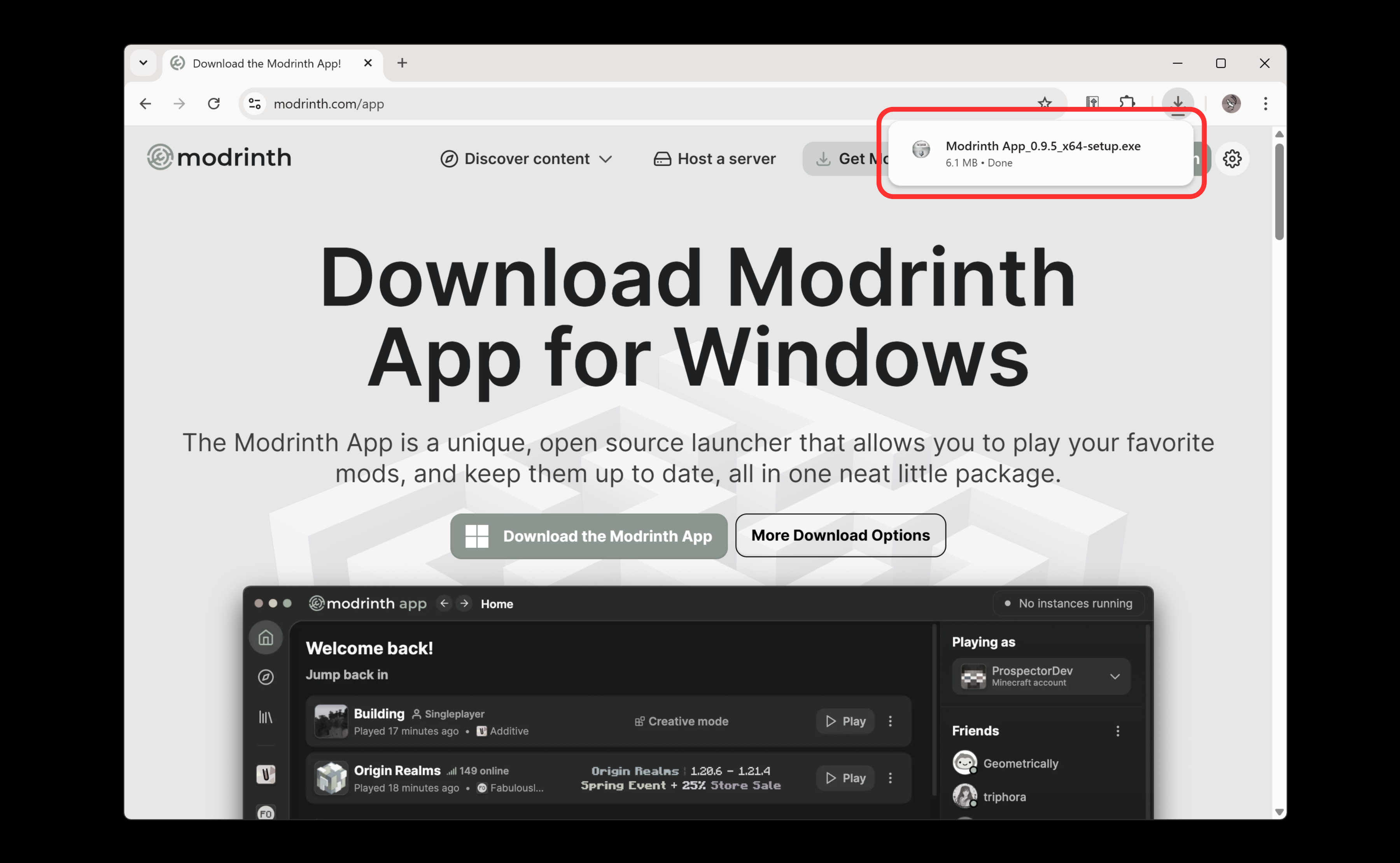
Download

2

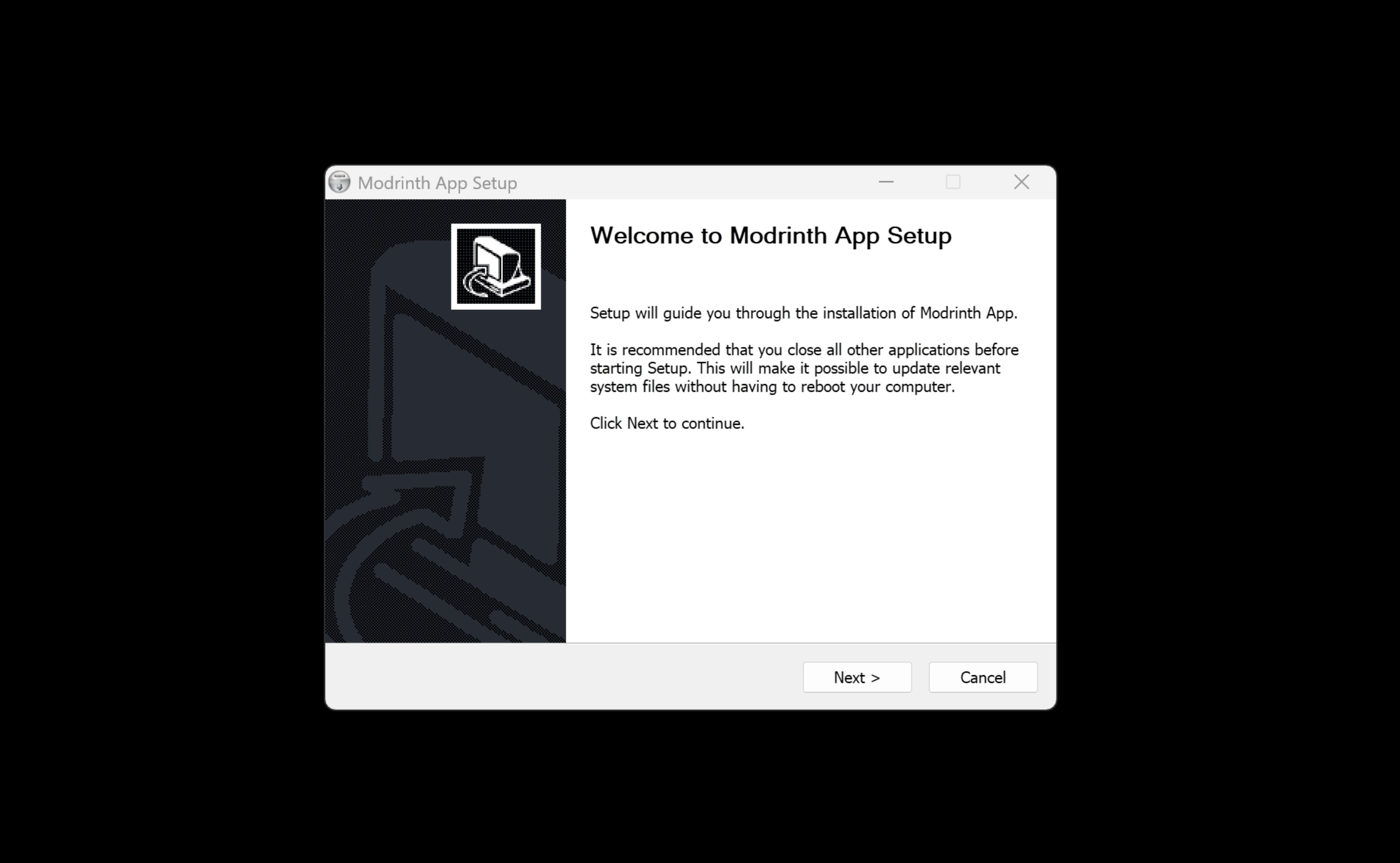
Run and install the launcher.

You can do this by double-clicking the .exe file.
3

Follow the instructions of the installer. When done click "Finish".
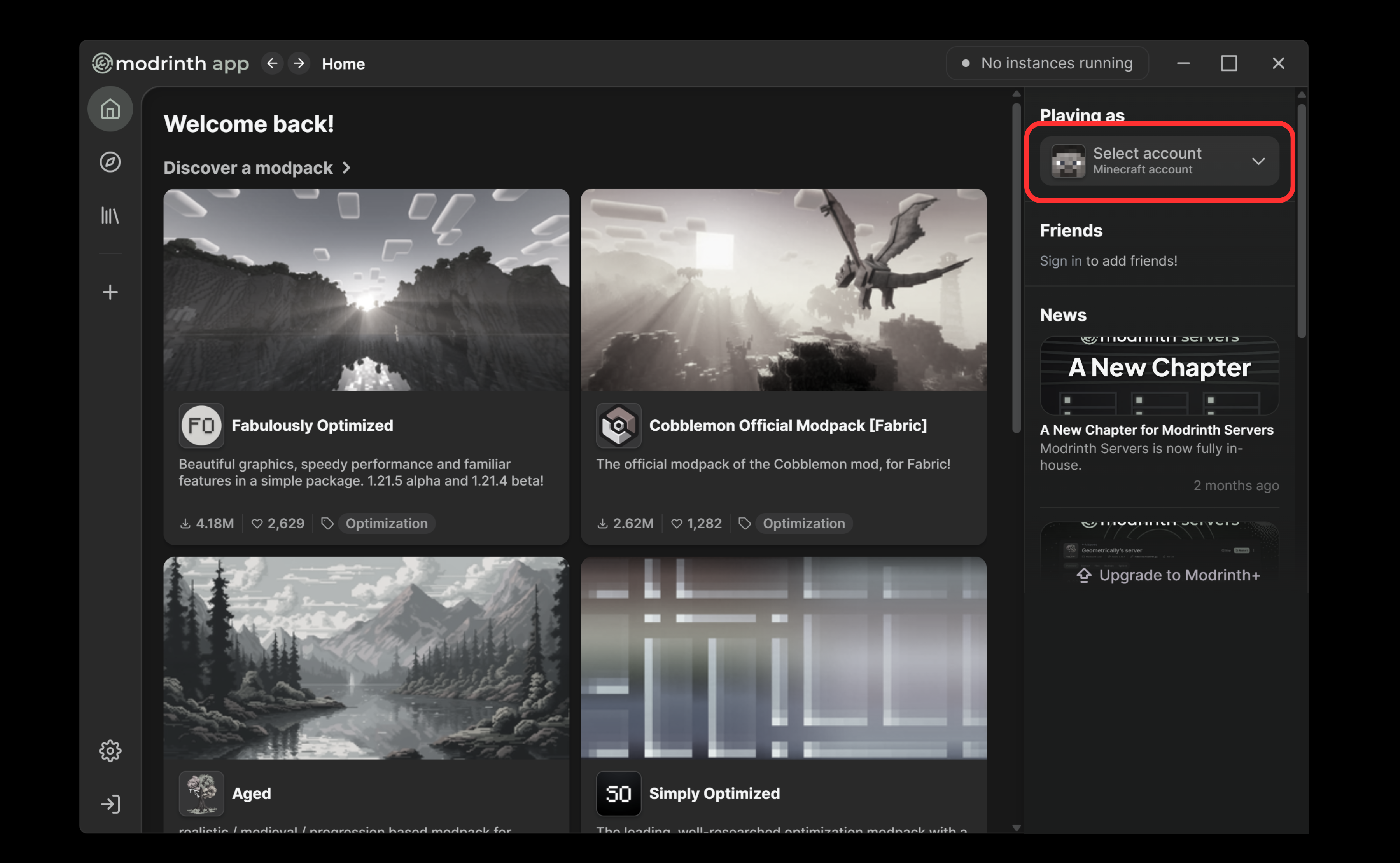
4

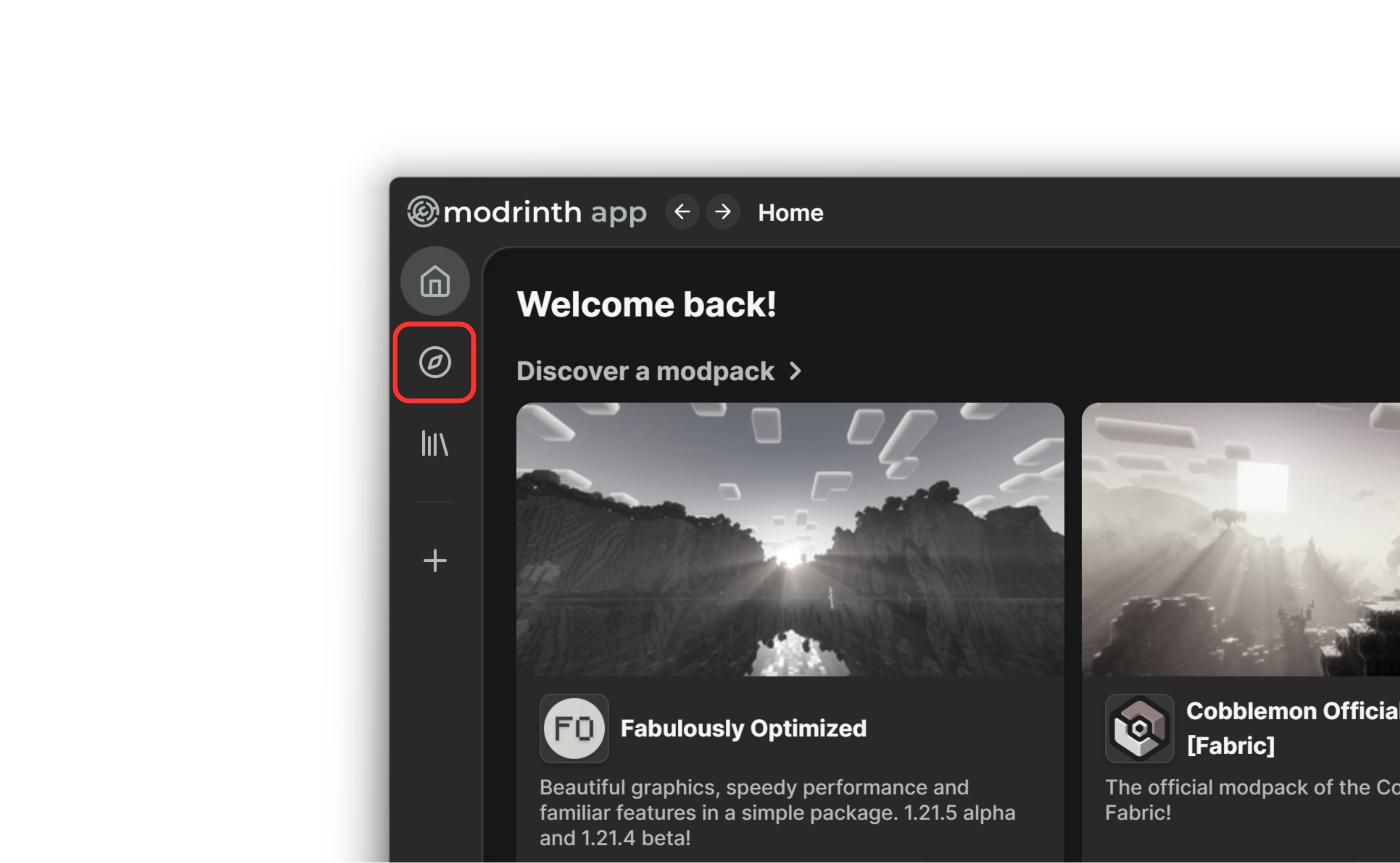
The app should open.
You may have to sign in with your Minecraft account. Click the "Playing as" dropdown in the top right to do this.

Done? Click here.
Next
Continue

Server address

Coastline.feathermc.gg

For an optimal experience, choose "Resource packs: Enabled"

What do I do with this?

This is the IP address of the server, sort of like a website, but it won't work if you put it into your browser. In the in-game Multiplayer menu, click "Add Server" and put this into the "Server Address" box. You can put "Coastline" as the name.

Join our Discord

discord.gg/e5jzkAj9Ms

What do I do with this?

If you have a Discord account, you can join our Discord server- basically just a big fancy group chat. Joining will get you in touch with other players and our help team. You'll also be notified about important announcements.

You're in!

Back to Home